Step - by - Step Guide for Settlement Networks
Cross - institutional settlement networks are crucial for the seamless transfer of assets between different institutions. By combining the security of Ledger with the functionality of Qredo, institutions can achieve more efficient and secure settlement processes. This article will delve into how to use Ledger with Qredo for cross - institutional settlement networks.
Understanding the Basics of Ledger and Qredo
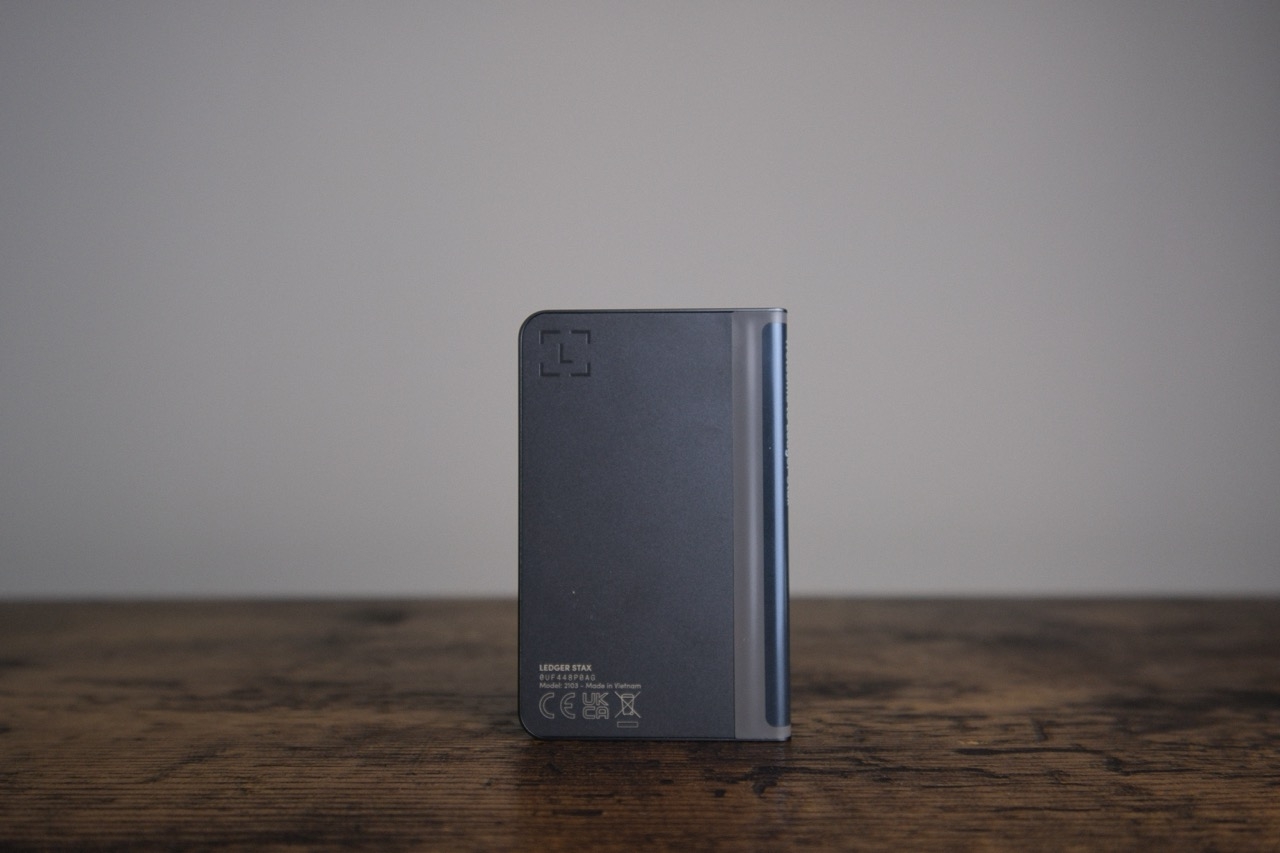
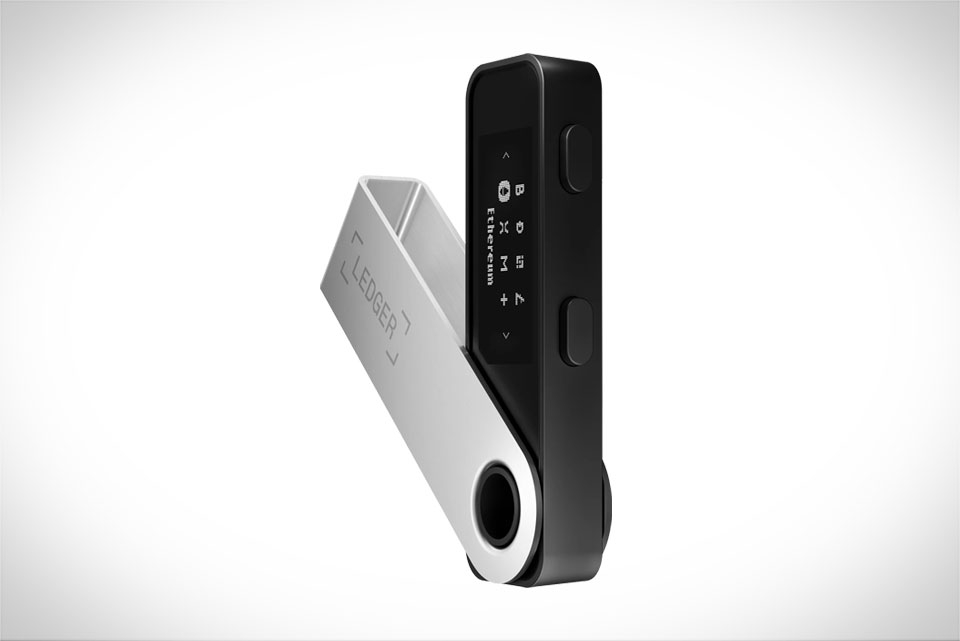
Ledger is a well - known hardware wallet provider that offers high - level security for storing cryptocurrency private keys. Its devices, such as the Ledger Nano S and Ledger Nano X, are designed to protect users' digital assets from various threats, including hacking and phishing attacks. The hardware isolation of the private keys ensures that they are never exposed to the potentially vulnerable software environment of a computer or mobile device.
Qredo, on the other hand, is a platform that focuses on providing infrastructure for secure digital asset transfer and settlement. It offers features like multi - signature wallets, atomic swaps, and real - time settlement capabilities. Qredo's technology is built to handle complex institutional requirements, such as regulatory compliance and high - volume transactions.
For example, a large financial institution may use Qredo to manage its digital asset portfolios. However, storing the private keys securely is a major concern. This is where Ledger comes in. By integrating Ledger with Qredo, the institution can ensure that the private keys used for signing transactions on the Qredo platform are stored safely on the Ledger hardware wallet.
Setting up Ledger for Use with Qredo
The first step in using Ledger with Qredo is to set up your Ledger device. If you have a new Ledger device, you need to go through the initial setup process. This involves creating a new wallet, setting up a PIN, and writing down your recovery phrase. Make sure to follow the instructions provided by Ledger carefully, as the recovery phrase is crucial for recovering your wallet in case the device is lost, stolen, or damaged.
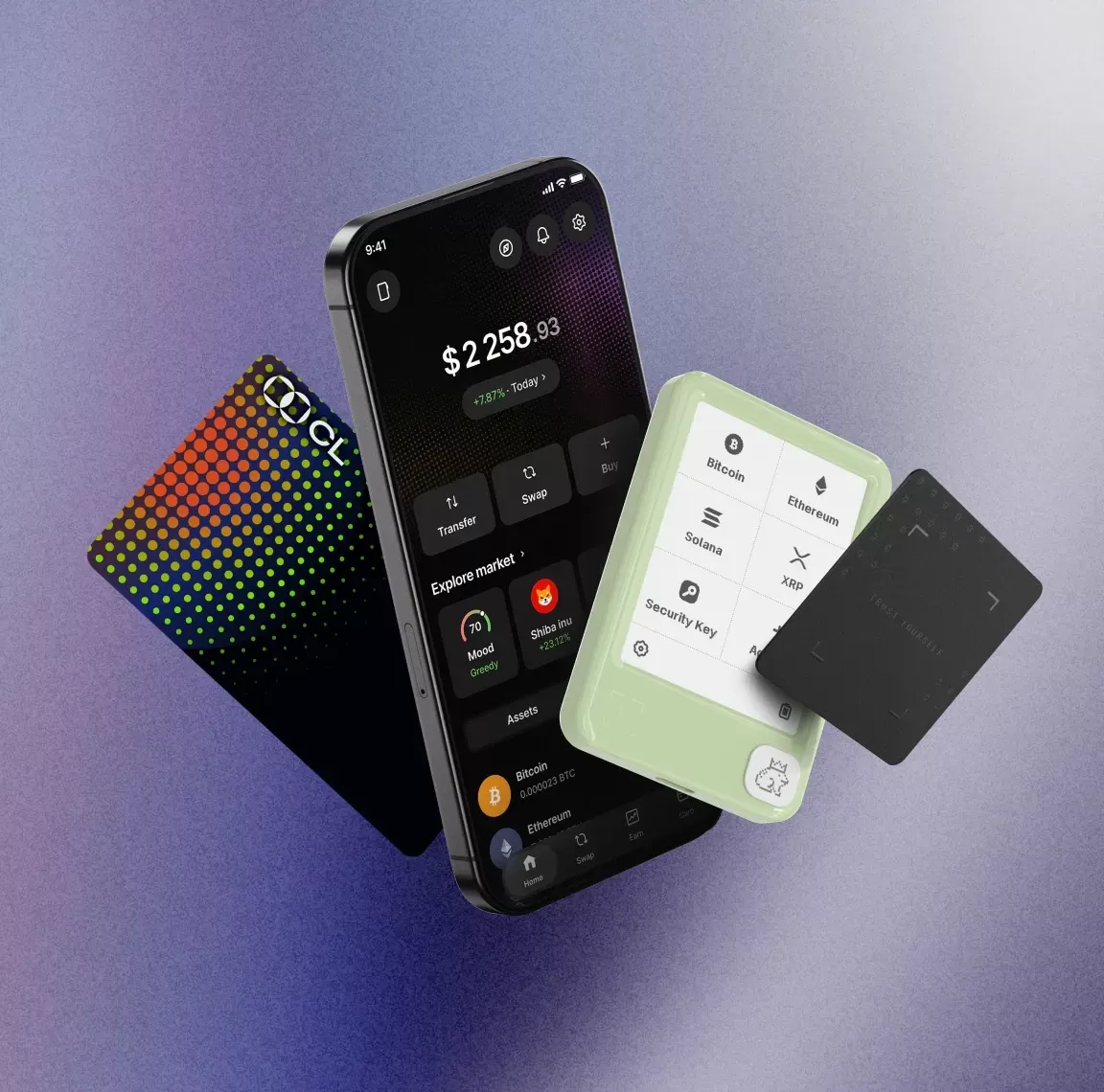
Once your Ledger device is set up, you need to connect it to your computer. For most devices, you can use a USB cable. After connecting, you need to open the Ledger Live application. Ledger Live is the official software for managing your Ledger device. It allows you to install and manage different cryptocurrency applications on your device.
Next, you need to install the relevant cryptocurrency applications on your Ledger device. For example, if you plan to use Bitcoin for cross - institutional settlements on the Qredo platform, you need to install the Bitcoin application on your Ledger device through Ledger Live. This will enable your Ledger device to interact with the Bitcoin network and sign Bitcoin transactions.
After installing the necessary applications, you need to pair your Ledger device with the Qredo platform. Qredo provides a user - friendly interface for this process. You will need to follow the on - screen instructions on the Qredo platform to connect your Ledger device. This usually involves scanning a QR code on the Qredo platform using the Ledger device or entering a specific code provided by the Qredo platform on your Ledger device.
Conducting Cross - Institutional Settlements with Ledger and Qredo
Once your Ledger device is successfully paired with the Qredo platform, you can start conducting cross - institutional settlements. First, you need to initiate a settlement transaction on the Qredo platform. This involves specifying the details of the transaction, such as the amount of the asset to be transferred, the recipient institution, and the type of asset (e.g., Bitcoin, Ethereum, etc.).
After entering the transaction details, the Qredo platform will generate a transaction request. This request needs to be signed using your Ledger device. When the signing request is sent to your Ledger device, you will see the transaction details on the device's screen. Review the details carefully to ensure they are correct. Once you confirm the transaction on your Ledger device by pressing the appropriate buttons, the transaction will be signed with your private key stored on the Ledger device.
After the transaction is signed, the Qredo platform will broadcast the signed transaction to the relevant blockchain network. The network will then process the transaction, and once it is confirmed, the settlement will be completed. The entire process is designed to be fast and secure, thanks to the combination of Ledger's security features and Qredo's efficient settlement infrastructure.
For instance, two banks participating in a cross - border digital currency settlement can use this setup. Bank A wants to transfer a certain amount of digital currency to Bank B. By using the integrated Ledger and Qredo system, Bank A can initiate the transaction on the Qredo platform, sign it securely with its Ledger device, and Bank B will receive the funds quickly and securely once the transaction is confirmed on the blockchain network.
In conclusion, using Ledger with Qredo for cross - institutional settlement networks offers a high - level of security and efficiency. By understanding the basics, setting up the devices correctly, and following the proper procedures for conducting settlements, institutions can benefit from a more secure and seamless digital asset transfer process.