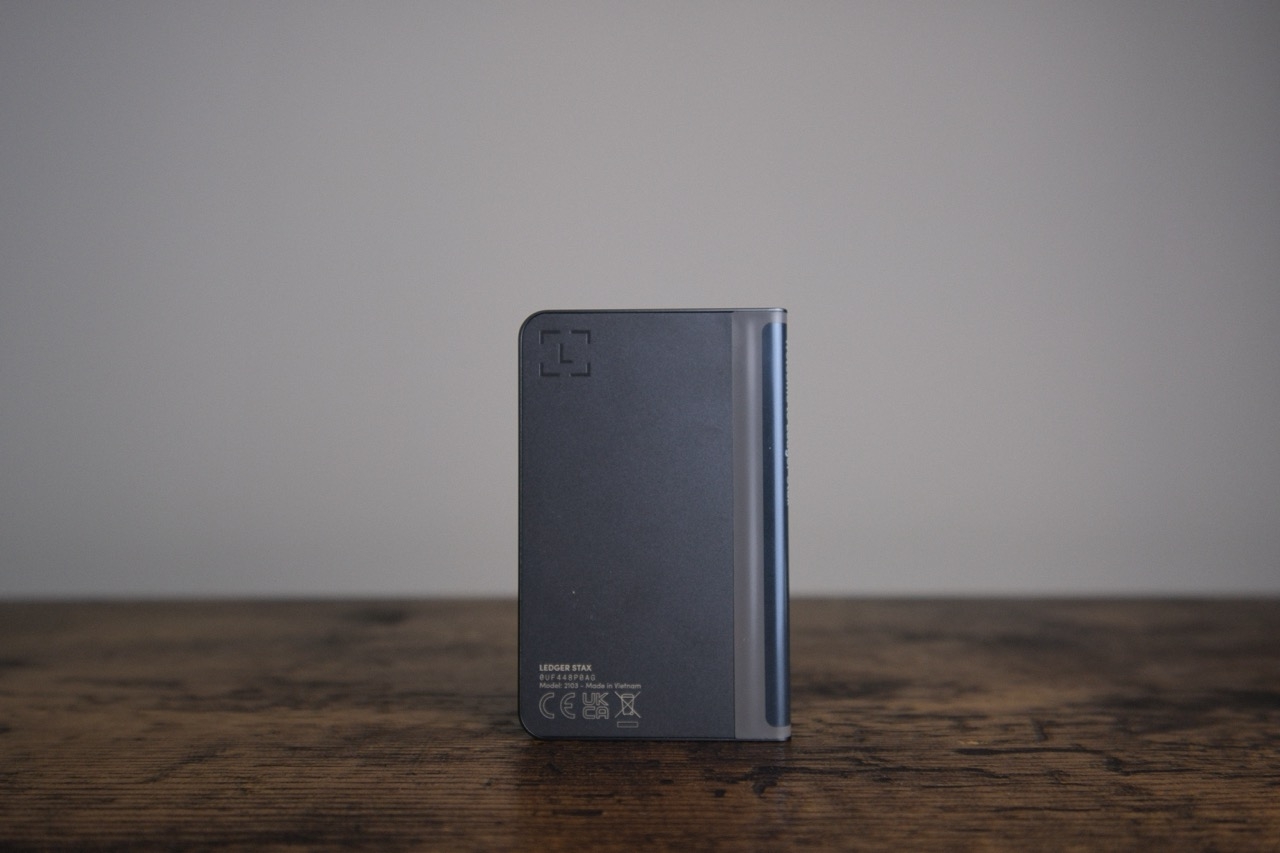
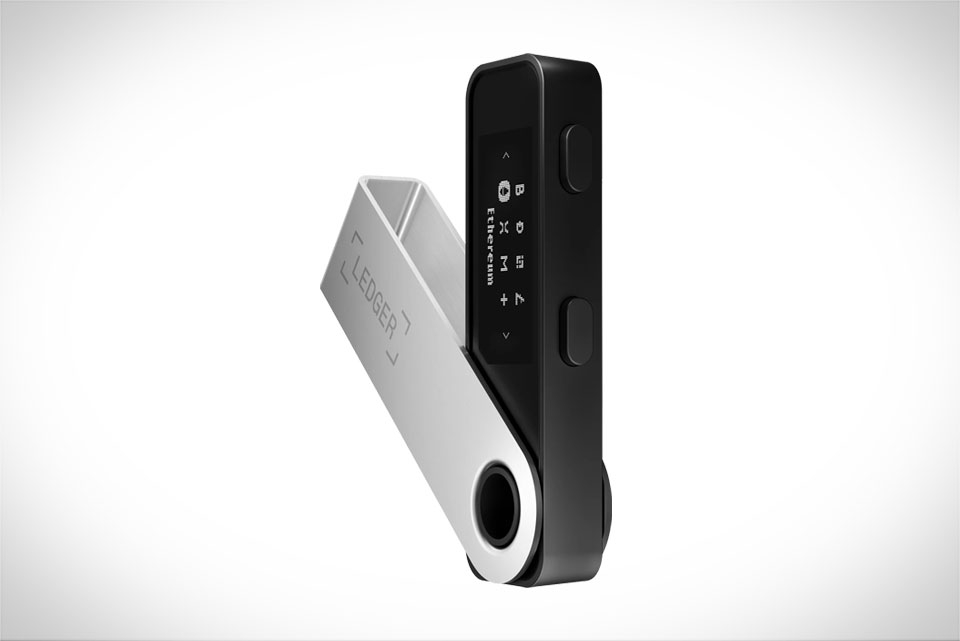
Your Ledger hardware wallet PIN acts as the first‑line physical security barrier. It locks the device and prevents unauthorized access if your Ledger is lost or stolen. The PIN only lives on the hardware device itself and never syncs to Ledger Live or any cloud service. A weak PIN puts all your crypto assets at risk, so picking and configuring a solid PIN is essential for self‑custody security.
What You Should Know About Ledger PIN Rules
Valid PIN length ranges from 4‑8 digits. An 8‑digit PIN delivers maximum security strength.
PIN entries are completed using the physical buttons on your Ledger hardware, never type PIN on your computer or mobile screen.
Three consecutive incorrect PIN attempts will trigger automatic device factory reset. All local device data gets wiped, you can restore your wallet only via your 24‑word recovery phrase.
PIN is separate from your recovery phrase. Losing both PIN and recovery phrase means permanent loss of your crypto funds.
How to Pick a Secure Ledger PIN (Do’s & Don’ts)
Recommended practices
Prefer an 8‑digit random number combination that you can memorize.
Use totally unrelated digits, avoid patterns.
Keep your PIN unique, do not reuse PIN from phone, bank card or other wallets.
Memorize the PIN; if you make a written note, store it in a completely separate location from your recovery phrase.
Never use these risky PIN patterns
Sequential numbers: 123456, 000000, 987654
Repeating digits: 77777777, 222222
Personal identifiable numbers: birthday, anniversary, phone suffix, house number
Simple short 4‑digit codes for high‑value asset storage
Step‑by‑Step: Set PIN on a New Ledger Device
Connect your Ledger hardware to computer via official USB‑C cable, power on the hardware. Select Set up as new device by pressing both buttons together.
When screen shows Choose PIN with 4 to 8 digits, press both buttons to confirm.
Toggle left‑right buttons to pick each digit, press both buttons to lock in every single number. Continue until you finish your full 4‑8 digit PIN.
Select checkmark icon and press both buttons to submit your PIN.
Re‑enter the exact same PIN once again for confirmation.
Complete the rest of initialization, back up your 24‑word recovery phrase carefully.
How to Change Your Existing Ledger PIN
Unlock your Ledger hardware with your current valid PIN.
Hold both buttons to open device control center, navigate to Settings > Security > Change PIN.
Input your old PIN for verification.
Follow on‑screen prompts to input and confirm your new strong PIN code.
New PIN takes effect immediately. Test unlocking your device with new PIN to verify.
Critical Security Reminders
Never purchase or use a pre‑configured Ledger device with PIN already set from sellers. Always initialize by yourself.
Cover the device when typing PIN to avoid shoulder‑surfing.
Do not take photos of your PIN, never save PIN inside notes, cloud drive or chat apps.
If you suspect PIN exposure, change it right away. Always double‑check your recovery phrase backup is intact before changing PIN.
Suggested image materials for this article:
Main cover:Ledger Nano hardware device close‑up, device screen showing PIN selection interface, security lock icon overlay
Instruction screenshot:UI mock‑up of Ledger screen choosing digits with left‑right hardware buttons
Infographic:two‑column Do / Don’t comparison table for secure PIN selection