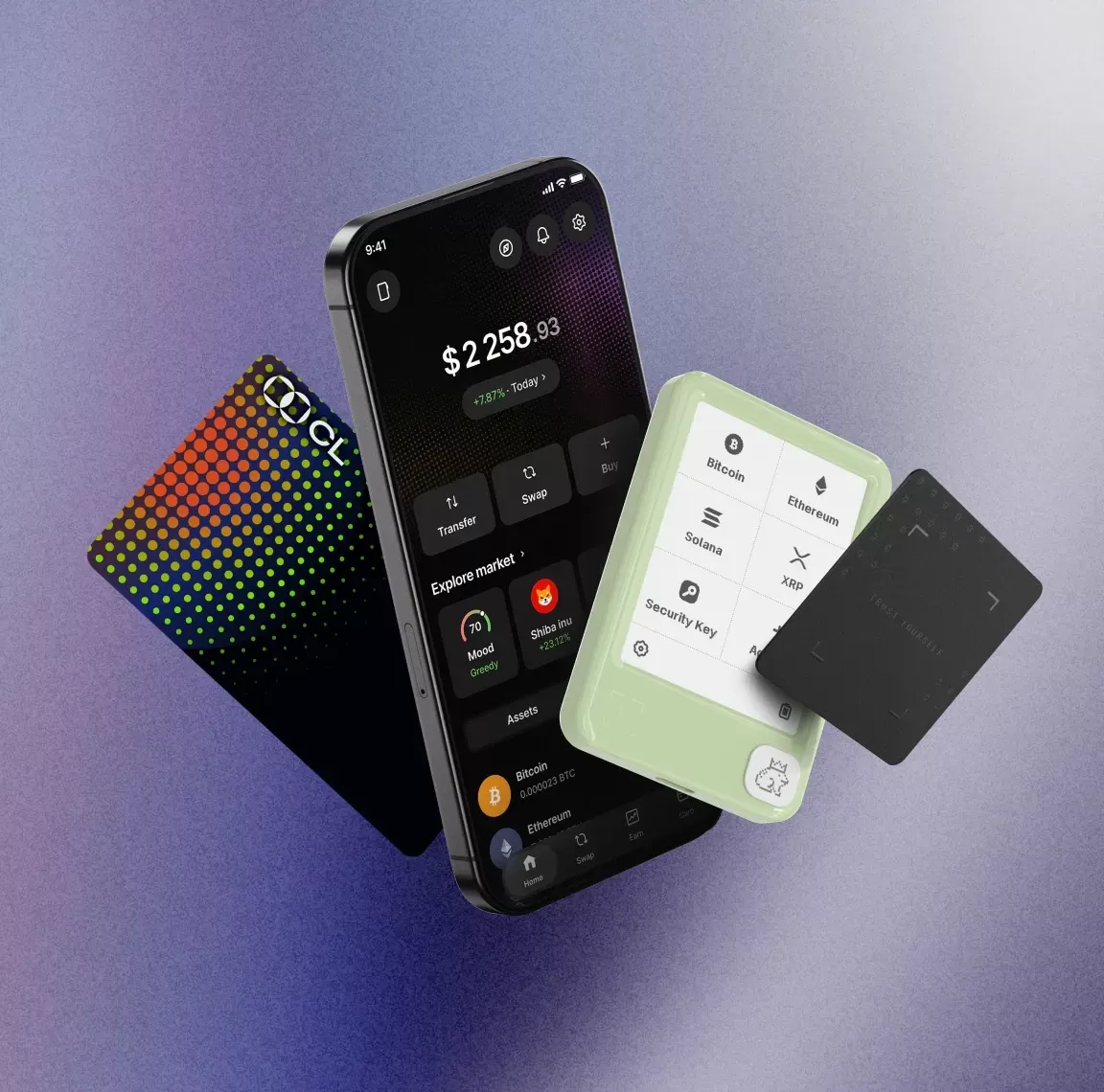
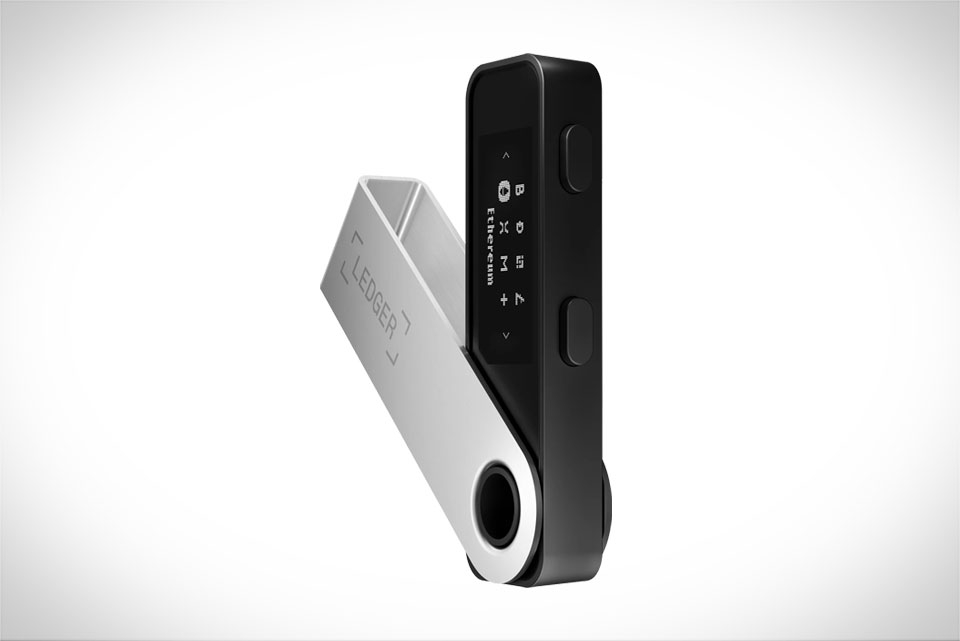
For millions of cryptocurrency holders navigating the rapidly evolving Web3 ecosystem, the trade-off between robust asset security and seamless access to decentralized applications, NFT marketplaces, and cross-chain bridging tools often feels unavoidable. Hardware wallets like Ledger have long been the gold standard for protecting private keys from online hacks, phishing scams, and malware, thanks to their offline secure element storage that never exposes sensitive key data to internet-connected devices. But for all their security benefits, Ledger’s native interface, Ledger Live, often lacks the breadth of integrations, user-friendly features, and multi-chain support that power users and casual participants alike rely on for daily crypto activity, from swapping tokens on decentralized exchanges to minting NFTs or participating in liquid staking. This gap is exactly what connecting Ledger devices to third-party software wallets is designed to bridge, letting users retain the cold-storage security of their hardware while tapping into the full versatility of the broader crypto and Web3 landscape.
At its core, pairing a Ledger Nano S, Nano S Plus, or Nano X with a third-party wallet operates on a simple but critical security principle: your private key never leaves the tamper-proof secure element of the Ledger device, even when you initiate transactions through a third-party interface. Unlike traditional hot wallets that store private keys directly on internet-connected phones or computers, exposing them to potential theft via malware or phishing, third-party wallets connected to Ledger function as a “view-only front end” that pulls public address data to display balances, construct transaction requests, and connect to decentralized applications. Any action that requires cryptographic authorization—whether sending tokens, approving a smart contract allowance, or minting an NFT—must be physically confirmed by pressing buttons on the Ledger device, which signs the transaction internally before broadcasting the signed (but still key-free) data back to the third-party wallet. This separation of duties ensures that even if the third-party wallet interface is compromised or the user’s computer is infected with malware, attackers cannot access the private keys needed to steal funds, as long as the user never confirms a malicious transaction on their Ledger device.
The utility of this setup becomes clear when examining the wide range of use cases it unlocks that are either limited or entirely unavailable through Ledger Live alone. For users focused on Ethereum Virtual Machine (EVM) compatible chains, MetaMask remains the most widely used third-party wallet for Ledger integration, with support for over 50 EVM chains including Ethereum, Arbitrum, Optimism, Base, and Polygon. Pairing a Ledger with MetaMask takes just a few steps: users install the MetaMask browser extension, select “Connect Hardware Wallet” from the account menu, choose Ledger, and follow the prompts to connect their device and import their public addresses. Once connected, users can interact with nearly every EVM-based dApp, from decentralized exchanges like Uniswap and SushiSwap to lending protocols like Aave and Compound, NFT marketplaces like OpenSea and Blur, and cross-chain bridges like Stargate and LayerZero. For Solana ecosystem participants, pairing Ledger with Phantom—the leading Solana wallet—unlocks access to SPL tokens, Solana DeFi platforms like Orca and Raydium, and Solana NFT marketplaces like Magic Eden, all while keeping private keys secured on the Ledger device. Power users often prefer Ray Wallet, a multi-chain EVM wallet that integrates natively with Ledger and offers advanced features like built-in transaction simulation, automatic gas fee optimization, and a unified dashboard that displays all DeFi positions, NFT holdings, and token balances across dozens of chains in one place. Even WalletConnect, the open protocol that connects wallets to dApps across desktop and mobile, works seamlessly with Ledger when paired with a supporting third-party wallet, letting users connect their hardware wallet to mobile dApps via QR code scanning without ever exposing their private key.
Beyond dApp compatibility, using Ledger with third-party wallets offers a host of user experience and functional benefits that cater to different user needs. For new crypto users who may find Ledger Live’s interface intimidating or overly technical, third-party wallets like MetaMask or Exodus offer more intuitive, beginner-friendly layouts that simplify basic actions like sending tokens or tracking portfolio value. For advanced users, features like batch transaction support, custom gas fee controls, and NFT gallery organization tools that are common in third-party wallets can save hours of time compared to using Ledger Live’s more limited feature set. Multi-chain users also benefit from consolidated asset management: instead of switching between different native wallet interfaces for each blockchain ecosystem, users can manage all their Ledger-based assets across EVM chains, Solana, Cosmos, and other supported networks in a single third-party wallet interface that supports cross-chain portfolio tracking. Even niche use cases, like participating in on-chain governance votes, minting custom NFT collections, or using decentralized identity tools, are often only accessible via third-party wallets, making Ledger integration essential for users who want to engage with the full scope of Web3 without sacrificing security.
While the security and utility of Ledger and third-party wallet pairings are significant, it is critical for users to understand the remaining risks and follow best practices to protect their assets. One of the most notable risks is blind signing, a scenario where a complex smart contract transaction cannot be fully parsed by the Ledger device’s firmware, causing the device screen to display only a generic “sign hash” message instead of detailed transaction data like recipient address, token amount, or contract permissions. In these cases, users may unknowingly sign a malicious transaction that drains their funds, even though their private key never left the Ledger. To mitigate this risk, users should always use third-party wallets with built-in transaction simulation features that preview the exact outcome of a transaction—including any token transfers, allowance approvals, or NFT mints—before the transaction is sent to the Ledger for signing. Users should also never sign a transaction if the Ledger screen displays unclear or unrecognized data, and they should regularly update their Ledger firmware and blockchain apps to ensure support for the latest transaction parsing standards.
Another major risk is phishing and malicious dApps, which can trick users into connecting their Ledger-linked third-party wallet to fake platforms that request fraudulent transaction approvals. Even with the security of a hardware wallet, if a user physically confirms a malicious transaction on their Ledger device, that transaction is valid and irreversible, as the blockchain cannot distinguish between a legitimate user-initiated transaction and one that was approved under false pretenses. To avoid this, users should always access dApps via bookmarked official URLs, never click links from unsolicited emails, social media DMs, or random online messages, and double-check the transaction details on both the third-party wallet interface and the Ledger device screen before confirming. Users should also be wary of “unlimited token allowance” requests, which grant dApps permanent access to all of a user’s tokens in a specific contract; whenever possible, users should set limited allowances that only cover the exact amount needed for a transaction, and use third-party wallet tools or allowance management platforms like Revoke.cash to periodically revoke unused permissions.
Users should also take care to only download third-party wallets from official, verified sources, such as the official wallet website, the Chrome Web Store (for browser extensions), or the Apple App Store or Google Play Store (for mobile wallets). Malicious actors often create fake versions of popular wallets like MetaMask and Phantom that are designed to phish seed phrases or manipulate transaction data, even when paired with a hardware wallet. Verifying the wallet’s official download link before installing can prevent this type of attack entirely. For users connecting via USB, using a high-quality, original data cable (not a charge-only cable) and closing Ledger Live during the pairing process can prevent connection issues that might lead to user frustration or accidental misconfiguration.
As the Web3 ecosystem continues to grow and diversify, the demand for secure, versatile wallet solutions will only increase, and pairing Ledger hardware wallets with third-party software wallets remains one of the most effective ways to balance security and utility. Whether a user is a casual NFT collector, a DeFi power user, or a long-term holder who occasionally interacts with dApps, this setup lets them customize their wallet experience to fit their specific needs while keeping their private keys secured in offline cold storage. Ledger’s ongoing support for third-party integrations, combined with the continuous innovation of software wallet developers, means that users can expect even more seamless, feature-rich integration options in the future, from cross-ecosystem support for non-EVM chains to advanced security features like multi-signature support and hardware-backed identity verification. At the end of the day, the most important thing for users to remember is that security is a shared responsibility: while Ledger’s hardware protects the private key, users must remain vigilant about verifying transactions, avoiding phishing scams, and following best practices to ensure their assets stay safe as they explore the full potential of Web3.