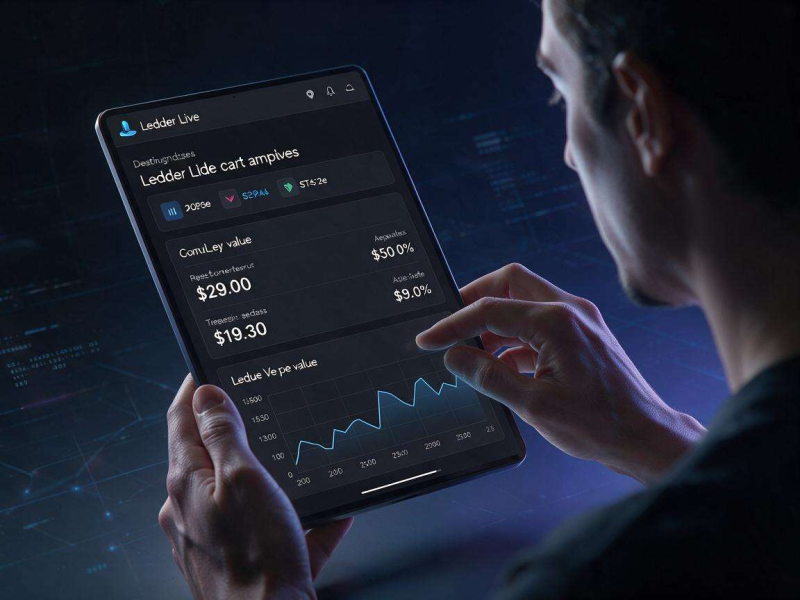
As crypto adoption continues to surge across both retail and institutional investor segments, the need for secure, intuitive, and comprehensive asset management tools has never been more pressing. For millions of users who rely on Ledger hardware wallets to safeguard their private keys offline, the Ledger Live Portfolio Dashboard serves as the central command center for tracking, yzing, and managing their entire digital asset holdings without compromising on security. Unlike centralized exchange dashboards that require users to cede control of their assets to third-party custodians, this interface integrates directly with Ledger’s cold storage infrastructure, letting users maintain full self-custody while accessing real-time market data, performance insights, and actionable management tools all in one unified space.
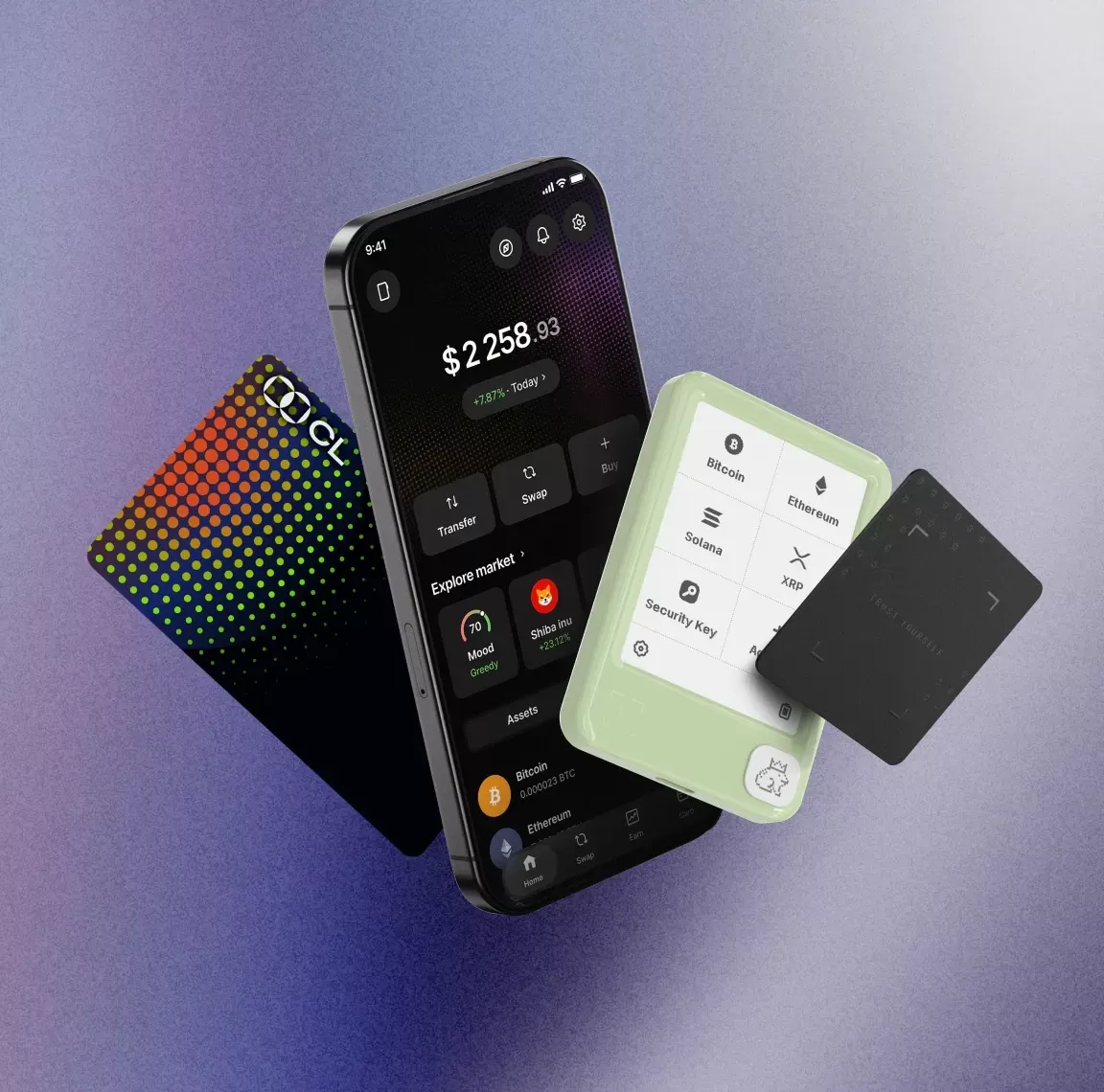
At the top of the dashboard, users are greeted with a high-level total balance calculation that aggregates the value of every asset held across all connected Ledger accounts, spanning hundreds of blockchains from Bitcoin and Ethereum to newer networks like Sui, Aptos, and Cosmos. The total balance is displayed in the user’s preferred fiat currency—with support for over 50 global fiat options including USD, EUR, GBP, JPY, and AUD—and includes a real-time 24-hour percentage and dollar-value change that reflects overall portfolio performance relative to global market movements. What sets this balance calculation apart from third-party portfolio trackers is its direct integration with on-chain data: every balance is verified by querying public blockchain nodes directly, rather than relying on potentially outdated or inaccurate exchange data, and all calculations are processed locally on the user’s device whenever possible to minimize privacy risks. Users can also toggle between fiat and crypto-native display modes with a single click, making it easy to track sats, wei, or other native token units alongside traditional fiat valuations.
Beneath the total balance overview, the asset allocation module provides a visual breakdown of portfolio composition via an interactive pie chart, with slices sized proportionally to each asset’s share of the total portfolio value. By default, the chart is organized by individual asset, but users can switch to a chain-based view to see how their holdings are distributed across different blockchain ecosystems, a particularly useful feature for users who hold assets across multiple L1s, L2s, and sidechains. The pie chart is fully interactive: hovering over a slice reveals the exact asset name, total holdings, and percentage of the portfolio, while clicking through takes users to a dedicated asset detail page with historical price charts, cost basis tracking, unrealized profit and loss (PnL) calculations, and a full history of transactions related to that asset. For users with large numbers of small holdings, there is an option to group “dust” assets (holdings worth less than a user-defined fiat threshold) into a single slice to keep the visualization clean and easy to parse, and users can pin their most frequently accessed assets to the top of the holdings list for one-click access.
In recent updates, Ledger has expanded the dashboard’s capabilities to include non-fungible token (NFT) holdings, which are displayed in a dedicated collections section alongside fungible token balances. Currently supporting NFTs on Ethereum, Polygon, BNB Chain, and Solana, this section shows a visual grid of all NFTs held in the user’s Ledger accounts, with floor price valuations pulled from leading marketplaces like OpenSea and Magic Eden integrated directly into the total portfolio balance calculation. Users can click on individual NFTs to view metadata, trait breakdowns, collection floor price trends, and historical sales data, and they can initiate NFT transfers directly from the dashboard with physical confirmation from their Ledger hardware device, eliminating the need to connect to risky third-party web3 platforms that could expose private keys to phishing attacks. For collectors who hold dozens or hundreds of NFTs across multiple chains, this unified view eliminates the hassle of checking separate marketplace accounts for each blockchain, streamlining collection management while maintaining full self-custody.
Further down the dashboard, the activity feed provides a chronological, filterable log of all transactions across every connected Ledger account, from basic send and receive operations to more complex actions like staking deposits, swap trades, NFT mints, and DeFi protocol interactions. Each transaction entry includes key details: the transaction type, asset involved, amount, date and time, confirmation status, and associated network fees, and users can filter the feed by asset type, transaction category, blockchain, or date range to quickly locate specific records. Every transaction entry also links directly to the relevant block explorer for its native blockchain, so users can verify on-chain details like block height, gas usage, and wallet addresses in seconds with a single click. For users who need to track transactions for tax or accounting purposes, the dashboard supports full export of all transaction history to a CSV file, with standardized formatting that is compatible with most popular crypto tax software tools, reducing the administrative burden of reporting crypto gains and losses during tax season.
One of the dashboard’s most valuable features for long-term investors is its deep integration with Ledger’s staking and earn ecosystem, which is accessible via a dedicated Earn tab that appears alongside the main portfolio view. The dashboard displays a real-time breakdown of how much of the user’s portfolio is allocated to staked assets, projected annual percentage yield (APY) across all staking positions, and total pending rewards ready to be claimed. Supported staking options include proof-of-stake chains like Ethereum, Solana, Cardano, Polkadot, and Near, with more networks added regularly, and users can initiate staking directly from the dashboard without ever exposing their private keys to online third parties. For users who participate in Ledger’s DeFi Earn programs, which integrate with leading audited DeFi protocols like Aave and Lido, the dashboard also tracks liquidity provision positions, yield farming rewards, and impermanent loss estimates, all displayed alongside regular holdings to give a complete picture of total portfolio value and passive income generation.
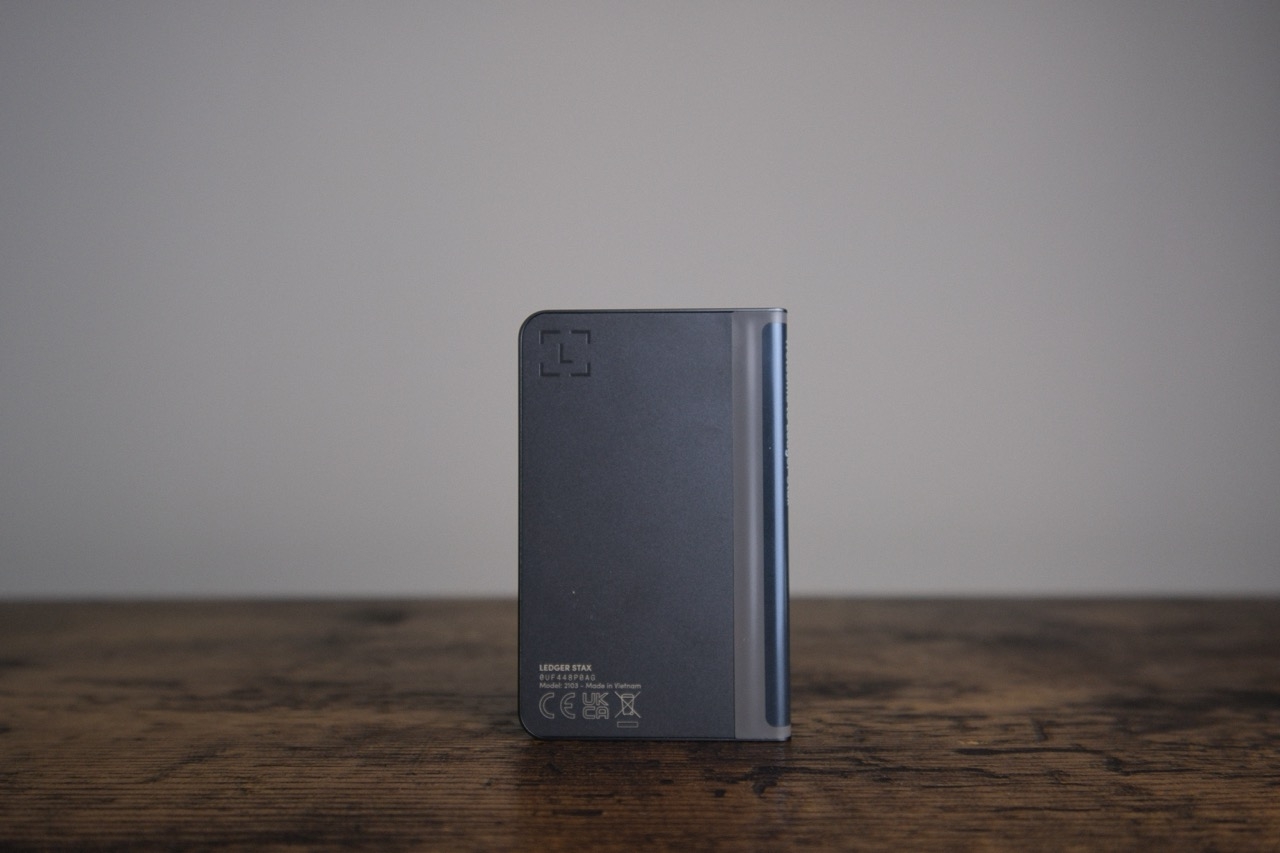
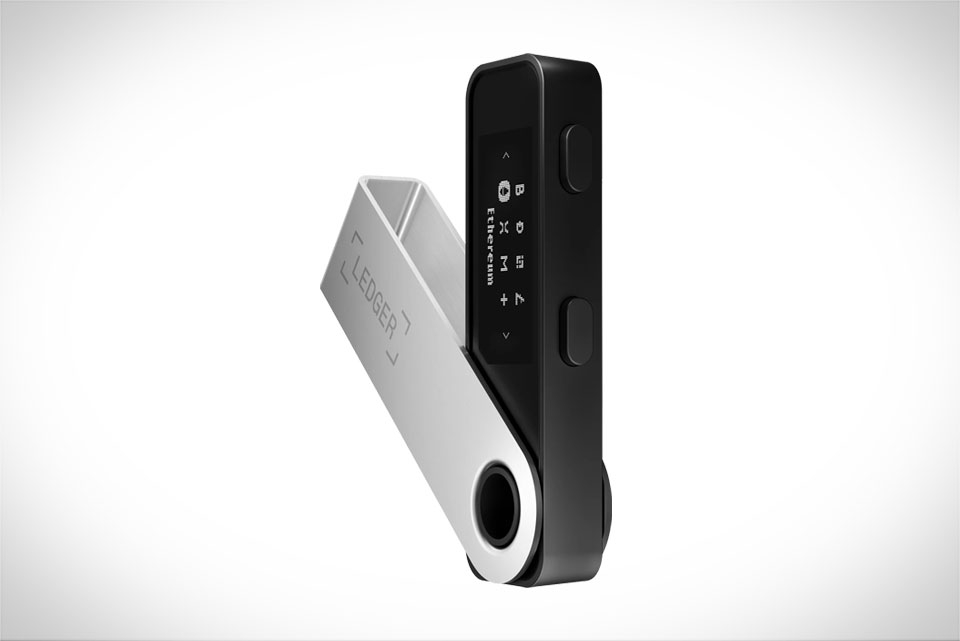
Crucially, every feature of the Ledger Live Portfolio Dashboard is built with Ledger’s core security principles at its foundation, meaning none of the dashboard’s functionality requires private keys to leave the secure element of the user’s Ledger hardware device. All transaction initiations, signature requests, and sensitive account actions require physical confirmation via the buttons on the Ledger device, preventing unauthorized access even if the user’s computer or mobile phone is compromised. On the privacy front, Ledger does not require users to complete KYC verification to use Ledger Live, and all portfolio data is stored locally on the user’s device by default. For users who want to sync their portfolio across desktop and mobile versions of Ledger Live, the optional Ledger Sync feature uses end-to-end encryption to sync account data across devices, with no access to user holdings or personal information available to Ledger or any third party. This stands in stark contrast to many centralized portfolio trackers, which require users to upload their public wallet addresses to third-party servers and often link those addresses to personal information like email addresses or phone numbers, creating privacy risks that can lead to targeted phishing attacks or doxxing.
The dashboard also offers extensive customization options to tailor the user experience to individual preferences and use cases. Users can rearrange dashboard modules to prioritize the features they use most—for example, moving the staking summary to the top of the page for active yield farmers, or placing the NFT collection view front and center for digital art collectors. Price alerts can be set directly from the dashboard for any supported asset, with push notifications sent to the user’s mobile device or desktop when an asset hits a user-defined price target, making it easy to stay on top of market movements without constantly checking the app. Users can also add custom ERC-20, BEP-20, or SPL tokens to their portfolio by inputting the token’s contract address, with price data automatically pulled from integrated market data providers like CoinGecko and CryptoCompare if the token is listed on a supported exchange.
For new crypto users, the Ledger Live Portfolio Dashboard demystifies self-custody by providing a clean, user-friendly interface that feels familiar to anyone who has used a traditional banking or brokerage app, eliminating the steep learning curve often associated with managing crypto wallets and on-chain assets. For experienced users, it offers the depth of functionality needed to manage complex, multi-chain portfolios with staking, NFT, and DeFi positions, all while maintaining the highest standards of security and privacy. As the crypto ecosystem continues to evolve, Ledger regularly updates the dashboard with new features and integrations, including support for additional blockchains, expanded DeFi capabilities, NFT marketplace integration, and fiat on-ramp and off-ramp options that let users buy and sell crypto directly from the dashboard with bank transfers or card payments. Ultimately, the Ledger Live Portfolio Dashboard is more than just a balance tracker: it is a unified, secure, and privacy-focused hub that bridges the gap between the complex world of on-chain crypto assets and the intuitive user experience that people expect from modern financial tools, making self-custody accessible to everyone from first-time crypto buyers to seasoned institutional investors.